


Create Custom 3D Avatars in Minutes
Overview
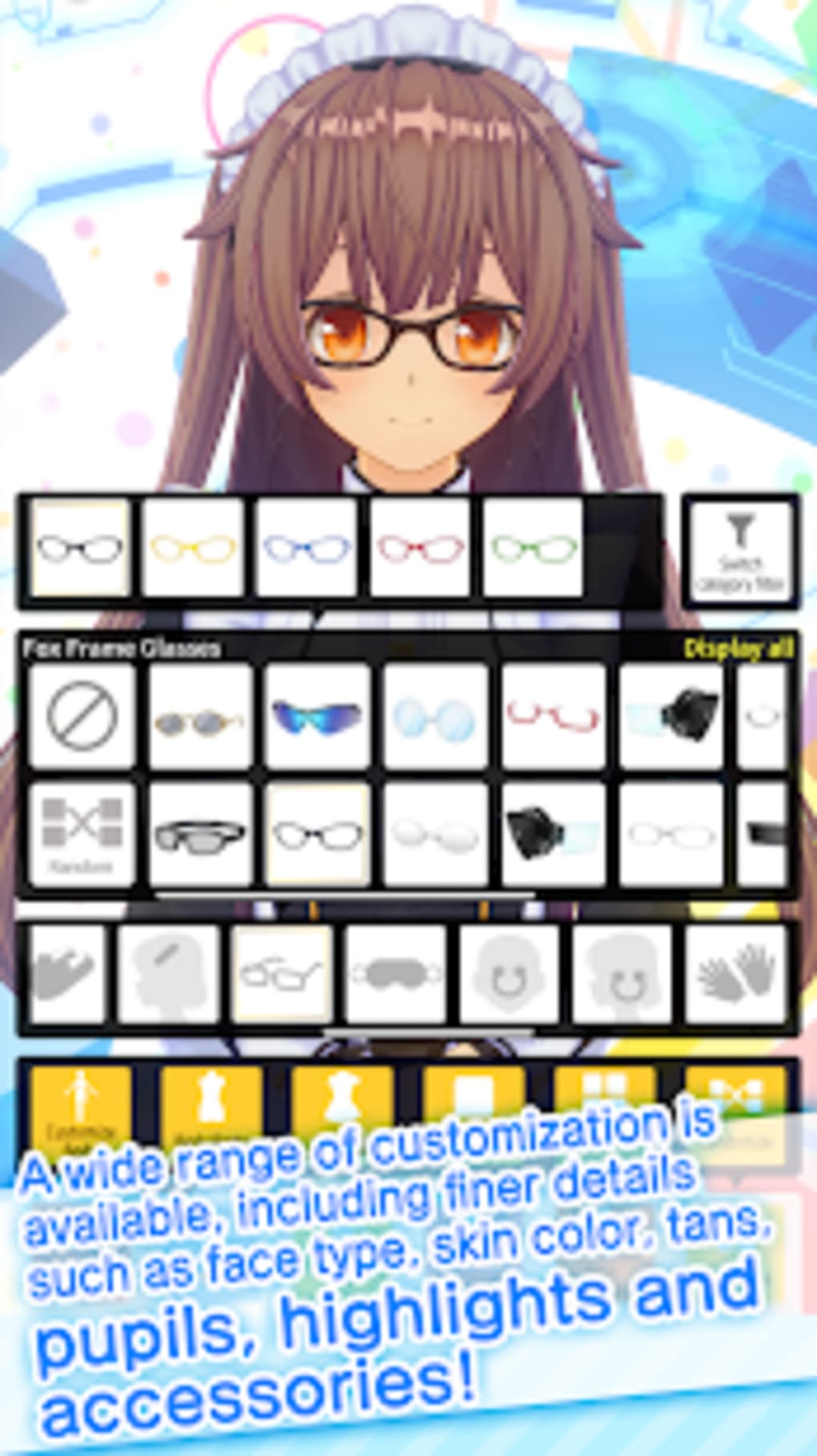
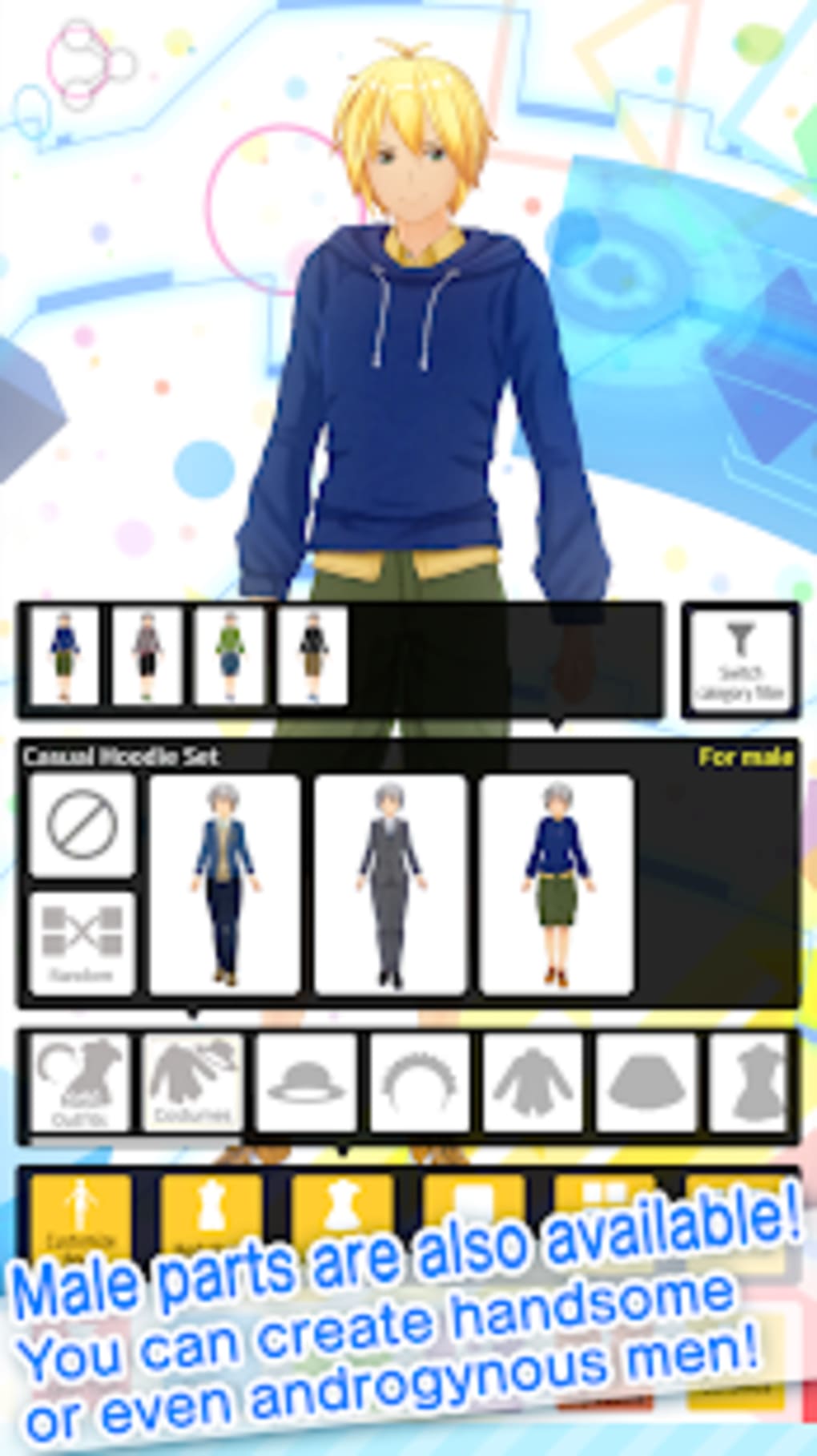
Custom Cast is a desktop application developed by DWANGO Co., Ltd. designed to empower users with the ability to create personalized 3D characters. The software serves as a creative tool for individuals seeking to generate unique avatars for social media, streaming, or personal expression. It enables users to customize a wide range of features, including body type, skin tone, hairstyle, clothing, and accessories, allowing for extensive personalization. The application is particularly suited for content creators, streamers, and social media users who want to enhance their digital presence with animated 3D representations.
Users can capture screenshots of their creations and share them directly on platforms such as Twitter. The software supports real-time facial tracking, meaning the 3D character mirrors the user’s head movements when using a device’s camera. This feature is especially useful for live streaming, where the avatar can reflect the user’s expressions and gestures. For iPhone X and later models, the app integrates AR functionality to blend the virtual character with the real-world environment during streams. While some features are available free of charge, others are restricted behind a paywall, indicating a freemium licensing model.
Key Features & Capabilities
- 3D Character Customization – Users can modify body structure, skin color, facial features, hair style, and clothing from a wide selection of options to create a unique digital persona.
- Real-Time Face Tracking – The software uses camera input to detect facial movements, enabling the 3D avatar to mirror head tilts, turns, and expressions in real time.
- Streaming Integration – Designed for virtual streamers, Custom Cast supports integration with live streaming platforms, allowing the avatar to respond dynamically to user motion.
- Gyro Function Support – Enables motion-based control of the avatar, enhancing realism during live interactions.
- Flicks Feature – Allows users to assign specific poses or animations to quick gestures, useful for expressive streaming moments.
- AR Compatibility (iOS) – For iPhone X and newer models, the app supports AR to overlay the 3D character into real-world scenes during streams.
- Export and Sharing – Created characters can be saved, screenshot, and shared directly on social media platforms.
These features are ideal for users looking to stand out on social networks or elevate their live streams with dynamic avatars. The combination of customization, motion tracking, and platform integration makes it a versatile tool for digital self-expression. The freemium model allows access to core creation tools at no cost, while advanced options may require in-app purchases.
User Interface, Workflow & Performance
Custom Cast features a clean, intuitive interface designed to streamline the character creation process. Navigation is centered around a main workspace where users can select and adjust body parts, facial features, and accessories using a tab-based layout. The workflow is linear and logical, guiding users from initial setup to final export. The application responds to user inputs with minimal lag, suggesting efficient processing of visual data.
During testing, the software maintained stable performance across multiple sessions. The developer did not specify resource usage details, but the 120 MB installation size indicates a lightweight footprint. No crashes or freezes were observed during typical use. The user experience is enhanced by responsive feedback when adjusting settings, and the real-time preview ensures immediate visual results. While performance under heavy workloads was not tested, the application appears optimized for everyday use on standard desktop systems.
Compatibility & System Requirements
Custom Cast is available for both Windows and Mac operating systems. The software is compatible with the latest versions of these platforms, as indicated by the release date of May 15, 2024. The application has a file size of 120 MB, suggesting a compact installation that does not require significant disk space. The developer did not provide additional system requirements, such as CPU, RAM, or GPU specifications.
Exact system requirements were not listed. Compatibility with older OS versions or specific hardware configurations is not confirmed. Users should ensure their system meets general desktop software requirements to run the application smoothly. The lack of detailed technical information may require users to test the software on their devices to verify functionality.
Pros and Cons
Pros
- Intuitive interface for easy 3D character creation
- Real-time facial tracking enhances streaming realism
- Supports AR integration on compatible iOS devices
- Freemium model offers free access to core features
- Efficient performance with minimal resource usage
- Direct sharing to social media platforms
Cons
- No detailed system requirements provided
- Advanced features locked behind paywall
- Limited OS compatibility information
- Performance on low-end hardware not confirmed
- AR functionality restricted to iPhone X and later
FAQ Section
Is Custom Cast available for Windows and Mac?
Yes, Custom Cast is compatible with both Windows and Mac operating systems.
Can I use Custom Cast for live streaming?
Yes, the software supports real-time face tracking and motion detection, making it suitable for use with live streaming platforms.
Is the software free to download and use?
Yes, Custom Cast is offered as a freemium tool. Basic features are available at no cost, while premium features may require in-app purchases.
Does Custom Cast require a powerful PC to run?
The application has a 120 MB installation size, suggesting a lightweight design. However, exact performance requirements were not specified by the developer.
Can I use Custom Cast offline?
Yes, the software does not require an internet connection after installation. However, some features like social media sharing may require online access.
Final Thoughts + CTA
Custom Cast delivers a fun and accessible way to create personalized 3D avatars for social media and live streaming. Its intuitive interface, real-time tracking, and AR support for iOS users make it a standout choice among avatar creation tools. While the lack of detailed system requirements may be a concern for some, the lightweight size and stable performance suggest broad compatibility. The freemium model allows users to explore core features without cost, making it ideal for casual creators and streamers alike.
For anyone looking to enhance their digital identity with a dynamic, expressive 3D character, Custom Cast offers a compelling solution. Whether used for social content or virtual broadcasts, it brings creativity and interactivity to the forefront.
Download Custom Cast now







